
Workwear · FastEditor
A logo on workwear shows who you are
FastEditor is personalisation software for workwear that Promidata has integrated into its webshops and systems.
With FastEditor, it can be done instantly, accurately and in line with your client's brand style. Customers can immediately see how their logo looks on the clothing, while you automatically receive the correct files, less manual work, fewer errors and more control over the entire order process.
With the Logo Editor, customers or wearers can place their company logo on garments themselves and instantly see how it looks. The Studio Tool allows you to generate print-ready files within one minute, for example for printing or embroidery.
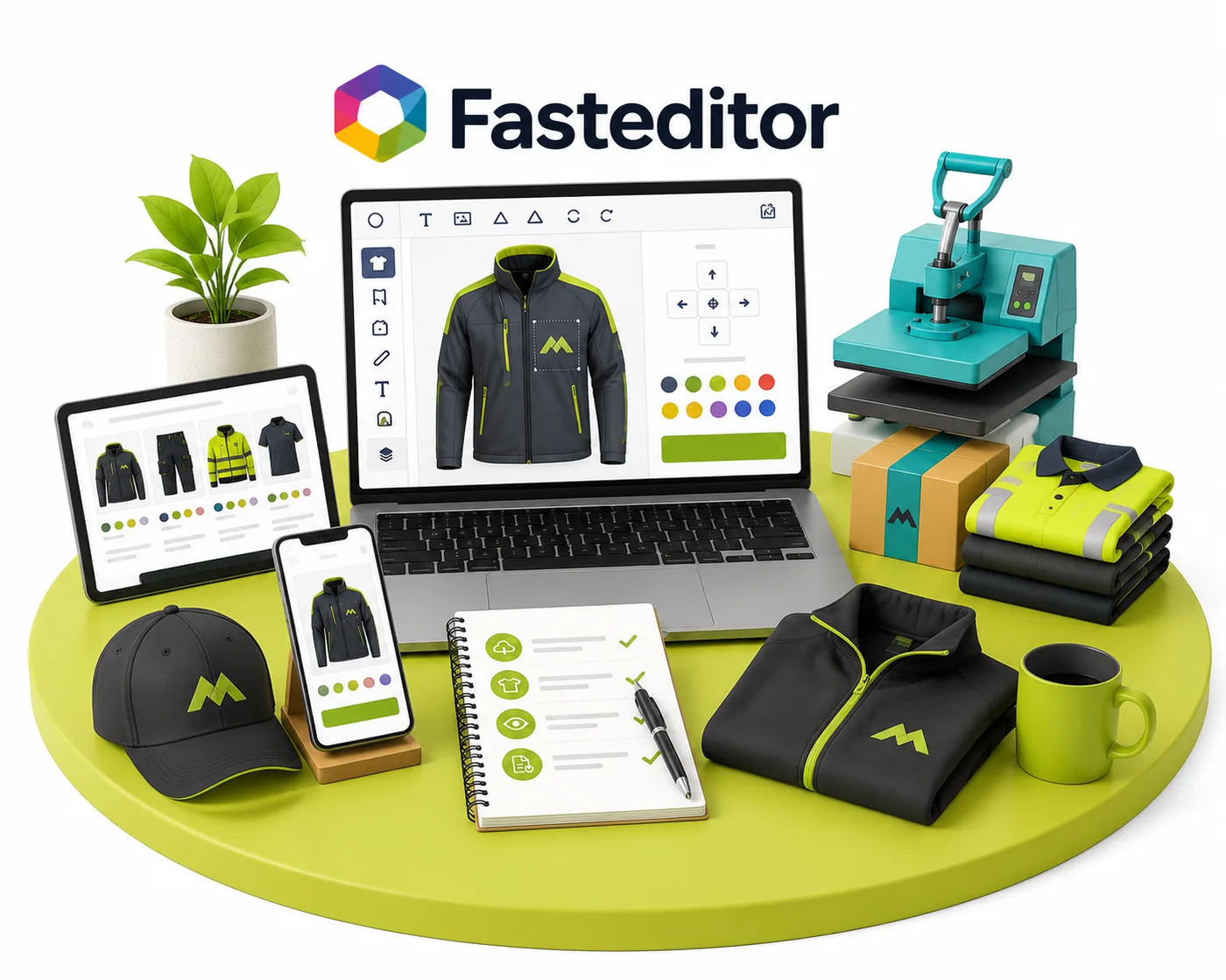
Logo Editor
Customers see instantly how their logo looks on the garment.
Studio Tool
Print-ready files generated within a minute.
More personal ordering
Reduces the risk of misunderstandings during ordering.
Faster supplier communication
Fewer errors and faster turnaround from dealer to supplier.
Discover what FastEditor can do for workwear.
We have integrated FastEditor with the entire chain in mind, from dealer to supplier. Click the buttons below for more information and real-world examples.
FastEditor for distributors
Customers don't want to wait to see how their logo looks on workwear. Thanks to our integration with FastEditor, they can do it instantly. They upload their logo in the editor, place it on the garment and immediately see a clear preview. This builds trust and has been proven to increase conversions and customer satisfaction. In addition to the Logo Editor, distributors can also use the Studio Tool. It allows you to find products from suppliers, create a print proof in just a few clicks and have the correct files ready right away. Whether for printing or embroidery, the process is simple and transparent. No special software is needed, so anyone can use it.
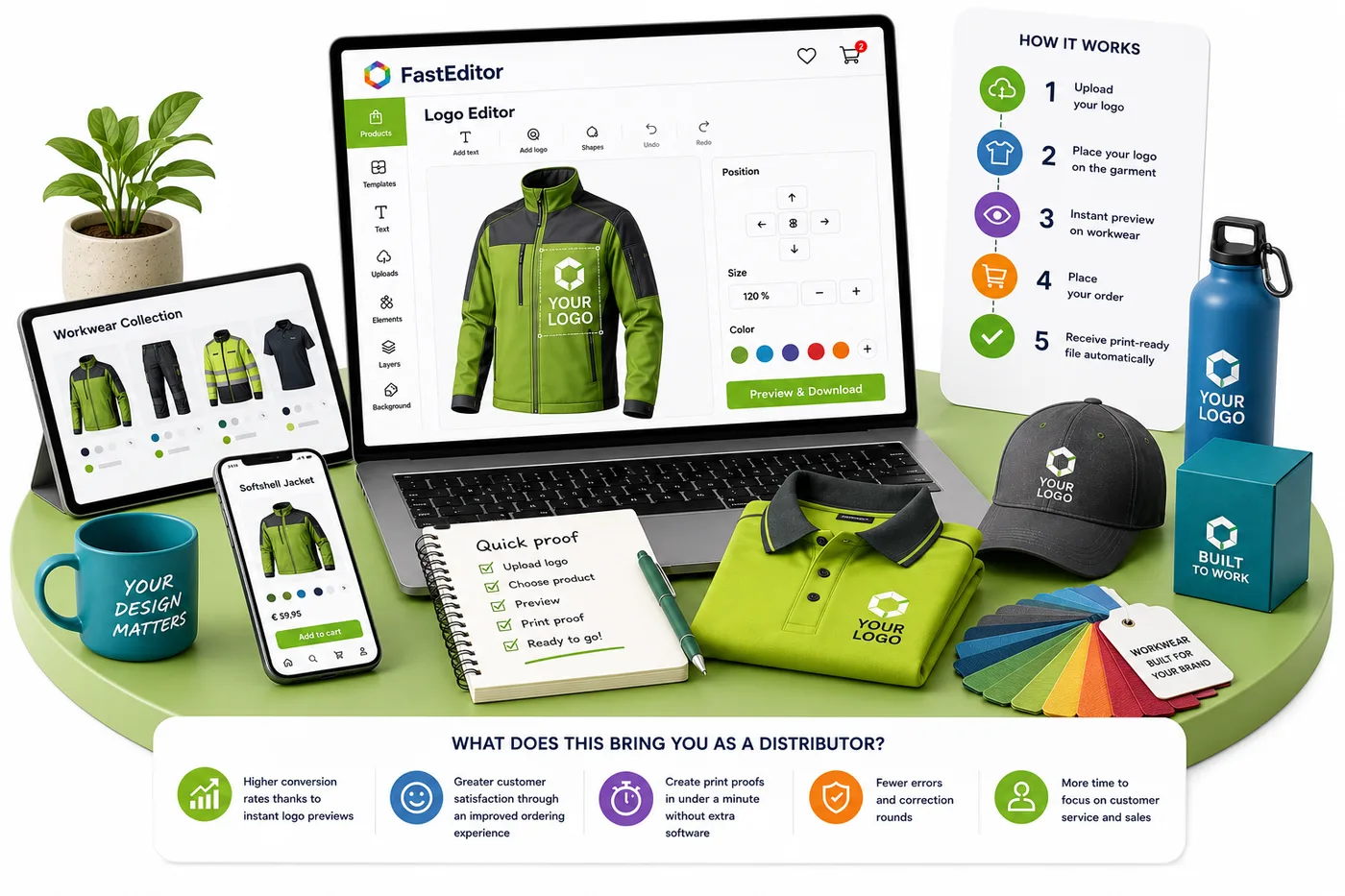
What does this bring you as a distributor?
- Higher conversion rates thanks to instant logo previews
- Greater customer satisfaction through an improved ordering experience
- Create print proofs in under a minute without extra software
- Fewer errors and correction rounds
- More time to focus on customer service and sales
FastEditor for suppliers
Thanks to our integration with FastEditor, a large part of the preparation work is already done by the dealer or even the end customer. Once an order is placed, you automatically receive a print-ready file that can go straight into production. This means far less time spent on corrections and manual DTP work. The Studio Tool complements this perfectly. This central database allows dealers to easily find your workwear products, create print proofs and prepare the correct files for production. You can also use the tool yourself to generate files, without expensive software or specialist knowledge. As a result, you spend up to 90% less time on DTP, work more efficiently and reduce errors in the personalisation process.
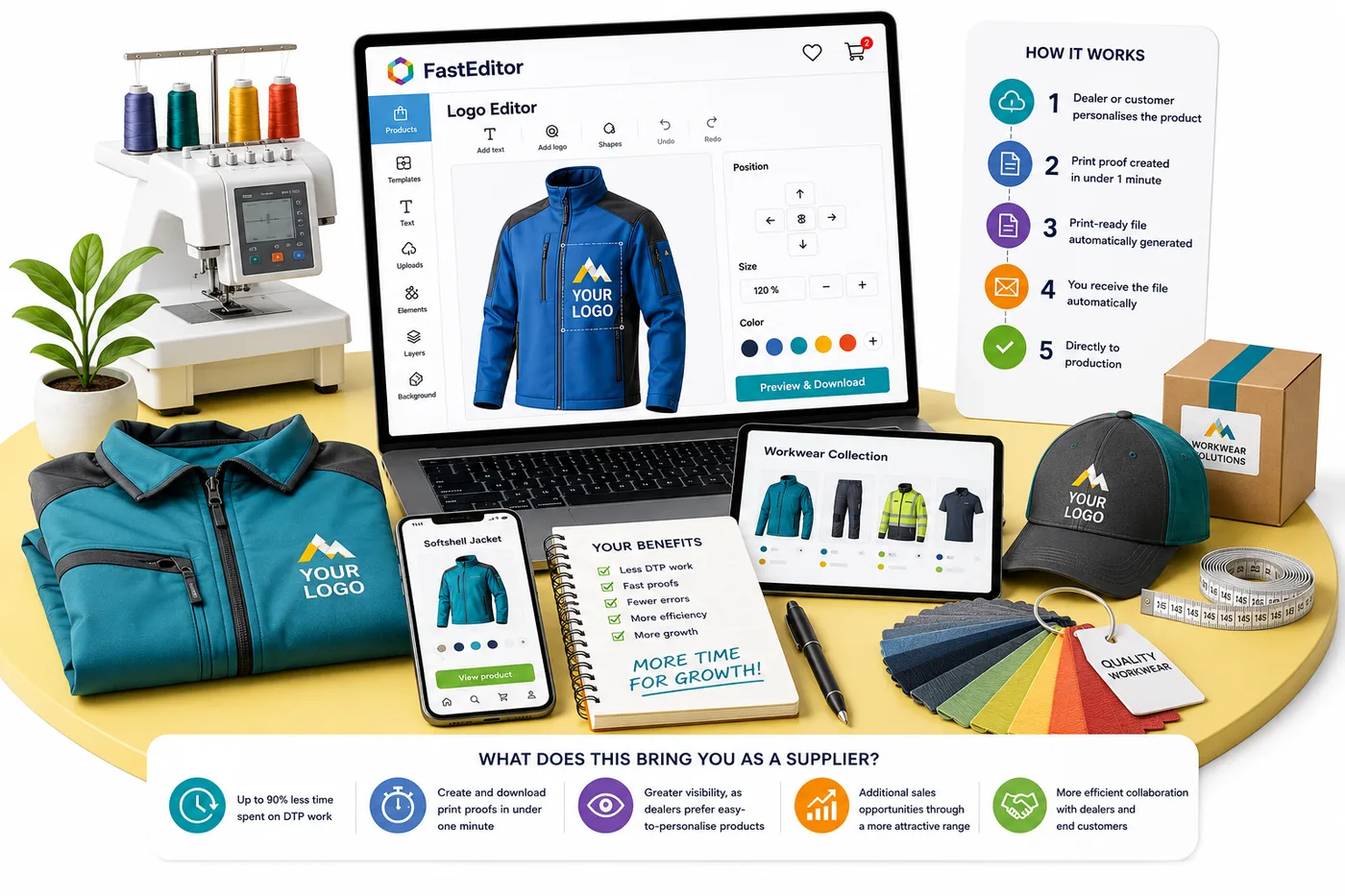
What does this bring you as a supplier?
- Up to 90% less time spent on DTP work
- Create and download print proofs in under one minute
- Greater visibility, as dealers prefer products that are easy to personalise
- Additional sales opportunities through a more attractive and accessible workwear range
- More efficient collaboration with dealers and end customers
Price on request.
FAQ
Frequently asked questions
Curious what FastEditor can do for your business?
Request a demo and discover how Promidata can take your business to new heights.
Last updated: